16-Model Prediction on Jetson
This section explains how to perform model prediction (inference) on NVIDIA Jetson using trained YOLO models in PyTorch, ONNX, or TensorRT formats.
1. Best Performance Mode
Before running inference, configure Jetson for maximum performance.
1.1 Enable MAX Power Mode
sudo nvpmodel -m 2
1.2 Enable Jetson Clocks
sudo jetson_clocks
2. Model Prediction
2.1 CLI Usage
note
The YOLO CLI currently supports USB cameras only. For CSI cameras, use Python-based inference.
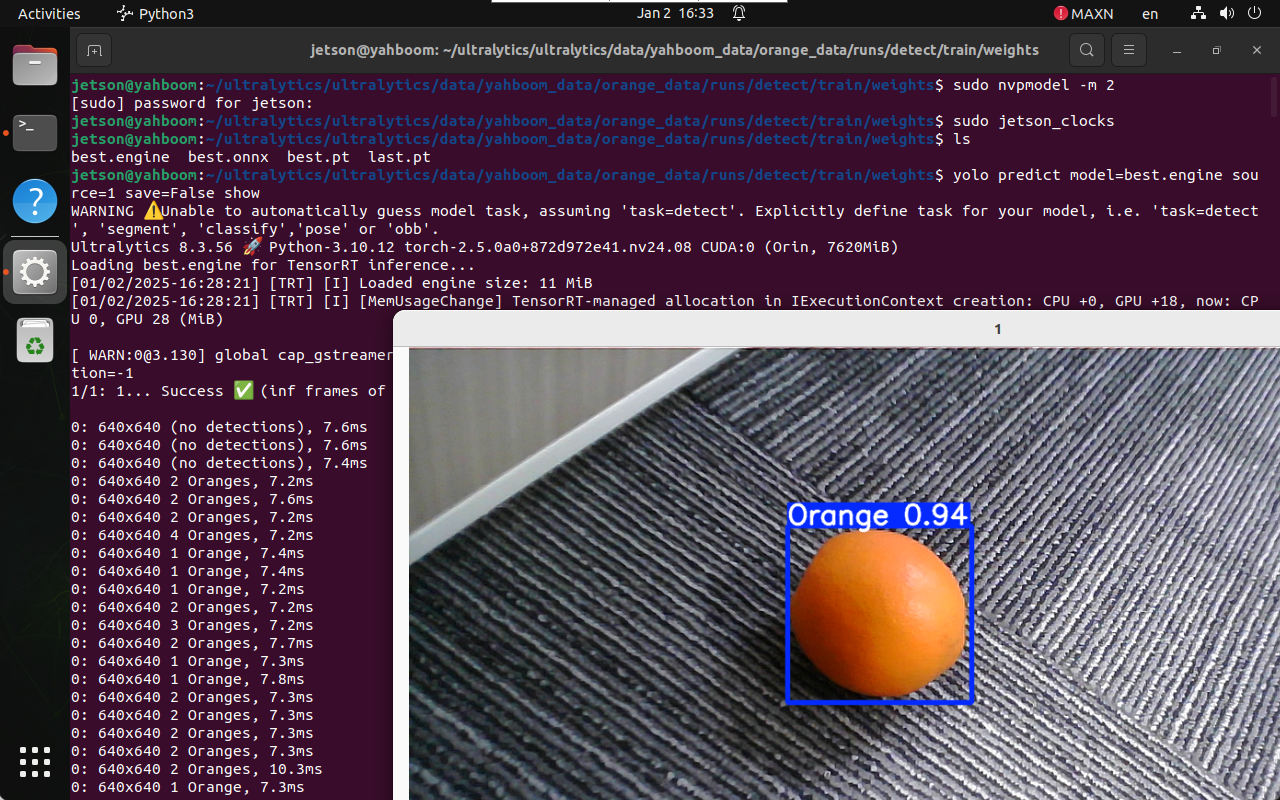
Run prediction with a TensorRT engine model:
yolo predict model=best.engine source=0 save=False show
source=0: USB camera index\- For multiple cameras, increment the index accordingly
Output videos are saved to:
/home/jetson/ultralytics/ultralytics/output/
2.2 Python Usage
Python-based inference supports both USB cameras and CSI cameras.
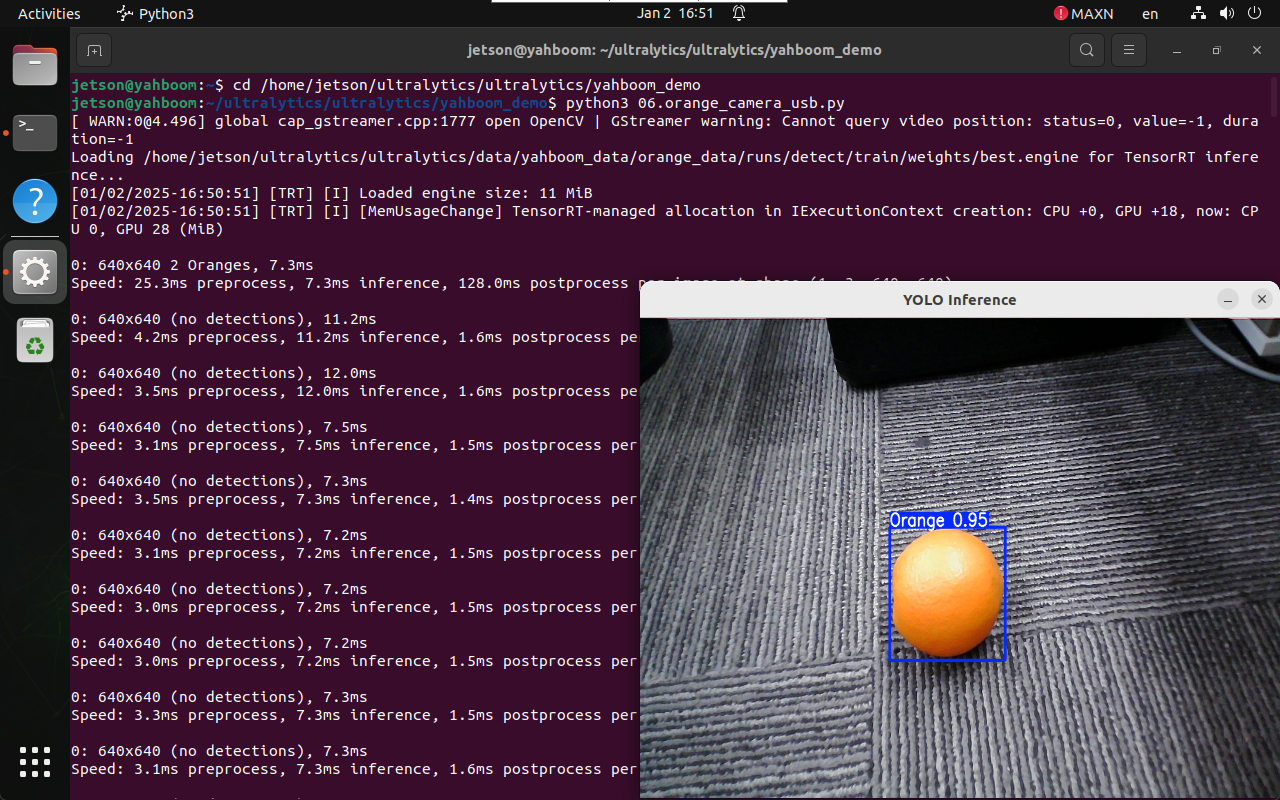
2.2.1 USB Camera Prediction
Navigate to Demo Directory
cd /home/jetson/ultralytics/ultralytics/yahboom_demo
Run USB Camera Script
python3 06.orange_camera_usb.py
Press q to exit the preview window.
Output Preview
/home/jetson/ultralytics/ultralytics/output/
Sample Code (USB Camera)
import cv2
from ultralytics import YOLO

model = YOLO(
    "/home/jetson/ultralytics/ultralytics/data/yahboom_data/orange_data/"
    "runs/detect/train/weights/best.engine"
)

cap = cv2.VideoCapture(0)

frame_width = int(cap.get(cv2.CAP_PROP_FRAME_WIDTH))
frame_height = int(cap.get(cv2.CAP_PROP_FRAME_HEIGHT))
fps = int(cap.get(cv2.CAP_PROP_FPS))

out = cv2.VideoWriter(
    "/home/jetson/ultralytics/ultralytics/output/orange_usb.mp4",
    cv2.VideoWriter_fourcc(*"mp4v"),
    fps,
    (frame_width, frame_height),
)

while cap.isOpened():
    success, frame = cap.read()
    if not success:
        break

    results = model(frame)
    annotated = results[0].plot()
    out.write(annotated)

    cv2.imshow("YOLO Inference", cv2.resize(annotated, (640, 480)))
    if cv2.waitKey(1) & 0xFF == ord("q"):
        break

cap.release()
out.release()
cv2.destroyAllWindows()
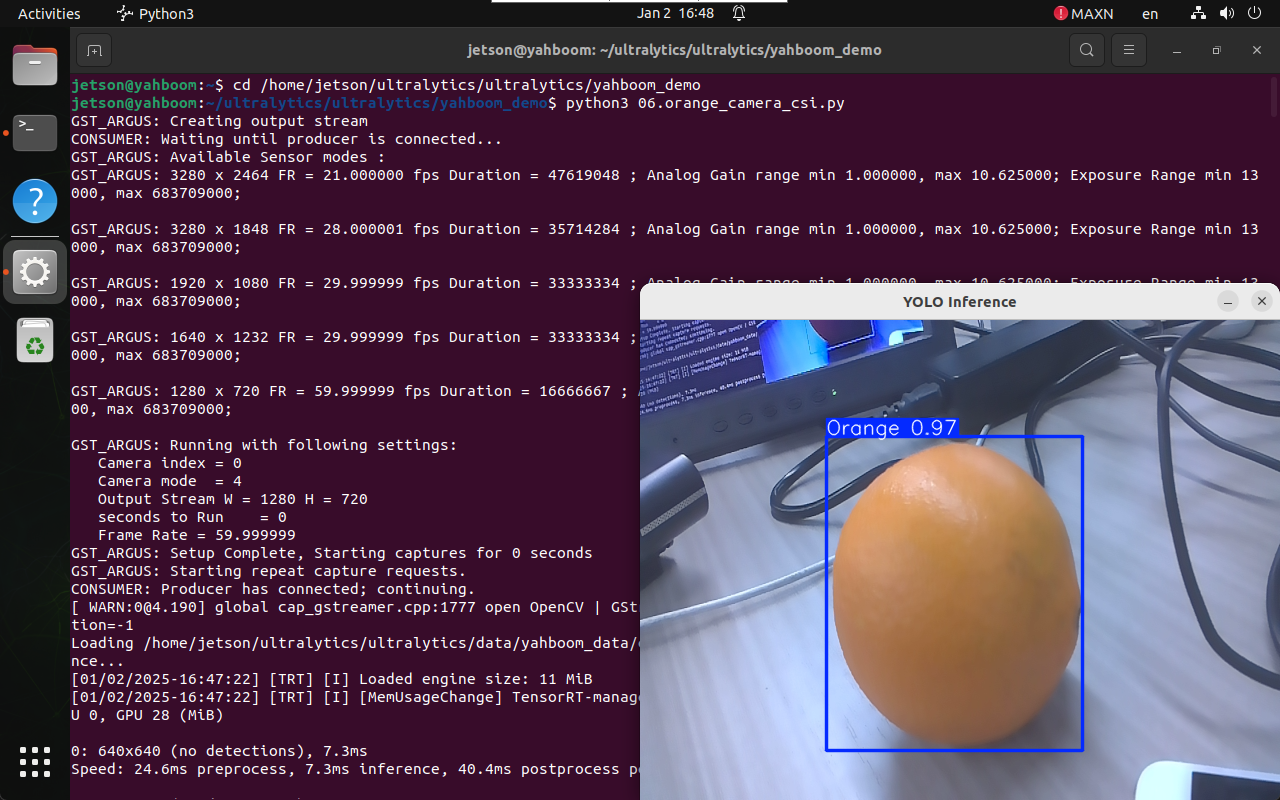
2.2.2 CSI Camera Prediction
Navigate to Demo Directory
cd /home/jetson/ultralytics/ultralytics/yahboom_demo
Run CSI Camera Script
python3 06.orange_camera_csi.py
Press q to exit the preview window.
Sample Code (CSI Camera)
import cv2
from ultralytics import YOLO
from jetcam.csi_camera import CSICamera

model = YOLO(
    "/home/jetson/ultralytics/ultralytics/data/yahboom_data/orange_data/"
    "runs/detect/train/weights/best.engine"
)

camera = CSICamera(width=640, height=480)

while True:
    frame = camera.read()
    results = model(frame)
    annotated = results[0].plot()

    cv2.imshow("YOLO CSI Inference", annotated)
    if cv2.waitKey(1) & 0xFF == ord("q"):
        break

cv2.destroyAllWindows()
Summary
- Supports inference using
.pt,.onnx, and.enginemodels - CLI inference is limited to USB cameras
- Python inference supports USB and CSI cameras
- TensorRT (
.engine) provides the best performance
Maintained by HemiHex for Jetson-based advanced vision workflows.